1. SMS reminder templates you can copy right now
Text messages get read fast. Most people check a new SMS within minutes, which makes it the right channel for anything time-sensitive, like a final nudge the day before an appointment. The trade-off is space: keep each message under 160 characters where you can, and save detailed instructions for email.
A pragmatic trial at Kaiser Permanente Washington found that adding a second, targeted text message for high-risk visits cut no-shows by around 7% for primary care appointments and 11% for mental health visits. That's a strong case for layering more than one text rather than sending a single blanket reminder.
Here's a starter set:
- Booking confirmation: "Hi [CLIENT_NAME], you're booked for [SERVICE] on [APPT_DATE] at [APPT_TIME] with [PROVIDER_NAME]. Reply YES to confirm."
- 7-day save-the-date: "Reminder: your [SERVICE] appointment is on [APPT_DATE] at [APPT_TIME]. See you then, [CLIENT_NAME]!"
- 48 to 72 hour reminder: "Hi [CLIENT_NAME], just checking in ahead of your [APPT_DATE] appointment at [APPT_TIME]. Reply YES to confirm, NO to cancel, or RESCHED to change."
- 24 hour reminder: "Tomorrow: [SERVICE] at [APPT_TIME], [LOCATION]. Reply YES to confirm or RESCHED if you need a new time."
- Day-of nudge: "See you at [APPT_TIME] today for your [SERVICE], [CLIENT_NAME]. Reply RESCHED if anything's changed."
- Reschedule or cancellation note: "No problem, [CLIENT_NAME]. We've cancelled your [APPT_DATE] slot. Reply with a new date or call us to rebook."
Set up a simple three-way reply flow: YES confirms, NO cancels, RESCHED triggers a follow-up asking for a new time. This keeps the back-and-forth short and lets your booking system log the outcome automatically.
Pro Tip: Keep the confirm keyword to one word (YES, not "yes please") so automated systems can match it reliably.
2. Email reminder templates for the details SMS can't carry
Email earns its place when there's more to say: directions, parking notes, pre-appointment prep or a calendar file the client can add with one tap. It's also the natural home for a booking confirmation, since most people expect a written record of what they've paid for and when.
A BMJ Open meta-analysis found that patients receiving digital notifications were 23% more likely to attend their appointments, and that sending multiple notifications across channels worked better than relying on just one. Pairing email for detail with SMS for immediacy reflects that finding directly.
Templates worth keeping on file:
- Booking confirmation with ICS attachment: Subject "You're booked: [SERVICE] on [APPT_DATE]". Body confirms date, time, location, provider and attaches a calendar file so the appointment lands straight in the client's diary.
- 48 to 72 hour reminder with prep notes: Subject "Your appointment is coming up". Include any preparation steps (fasting, bringing documents, parking instructions).
- 24 hour or day-of reminder: Subject "See you tomorrow for [SERVICE]". Short and direct, with a confirm/reschedule link.
- Reschedule or cancellation confirmation: Subject "Your appointment has been updated". Confirms the new details or next steps.
- Short post-appointment follow-up: Subject "Thanks for visiting us". A brief thank-you with a rebooking link.
Avoid subject lines with excessive punctuation or words like "free" and "urgent", which spam filters flag. A plain, specific subject line tends to land in the main inbox rather than promotions.
3. Phone and voicemail scripts for when a call matters more
Reserve live calls for high-value bookings, complex prep (same-day sedation, fasting rules) or clients who may need extra reassurance, such as an older patient or someone attending a sensitive appointment. For everything else, a message does the job at a fraction of the cost and staff time.
- Open: "Hi [CLIENT_NAME], it's [STAFF_NAME] calling from [BUSINESS_NAME] about your appointment on [APPT_DATE]."
- Confirm: "I just wanted to check you're still able to make it at [APPT_TIME]."
- Offer a reschedule: "If that no longer works, I can find you another slot right now."
- Close: "Great, we'll see you then. Thanks for your time."
If you reach voicemail, keep it to one sentence: "Hi [CLIENT_NAME], this is [BUSINESS_NAME] confirming your [APPT_DATE] appointment. Please call us back or reply to our text to confirm." Follow up with the standard SMS reminder within the hour.
4. Timing and cadence: what the evidence actually supports
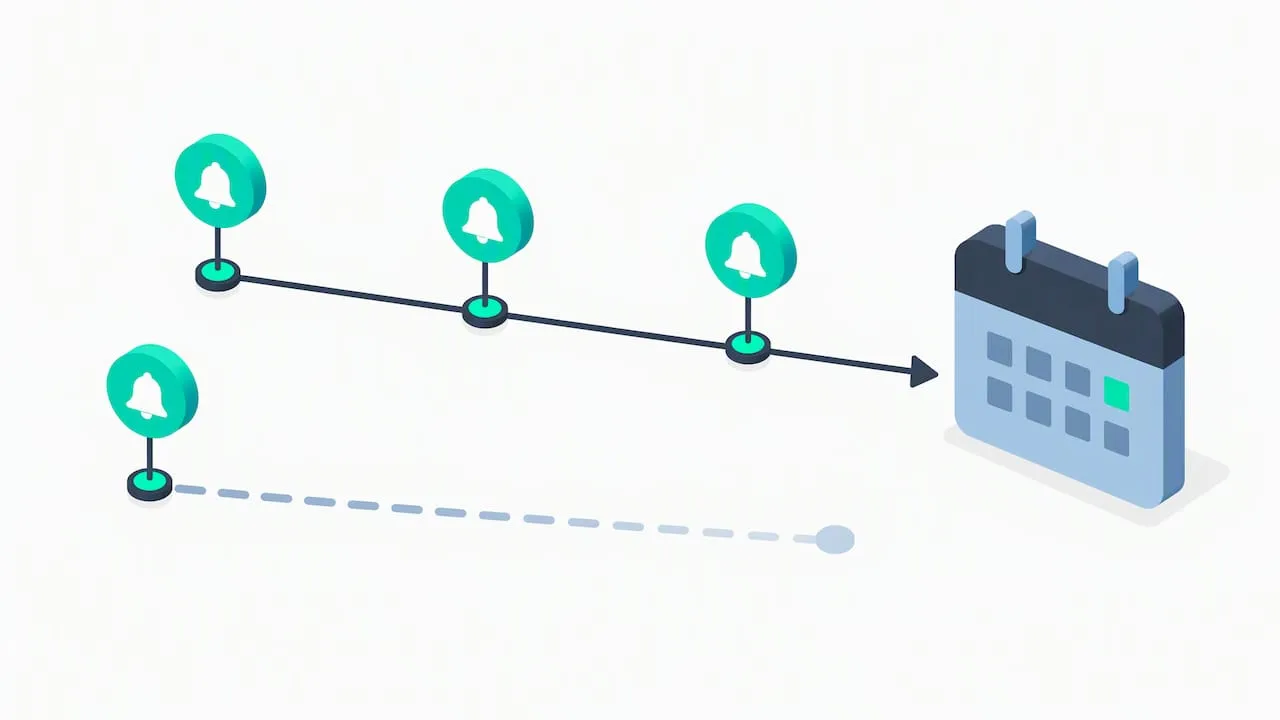
A BMJ Open review found that sending multiple reminders increased attendance more than sending a single one, which is the main reason a layered cadence outperforms a single text the night before.
A randomised comparison of text and telephone reminders found text messages performed comparably to phone calls while costing less to send, and that patients generally weren't bothered by the extra contact, three in four surveyed said they'd recommend a regular reminder system.
Cadence recipes worth testing:
- Standard booking (1 to 2 weeks out): email confirmation at booking, SMS at 48 to 72 hours, SMS at 24 hours.
- Short-notice booking (within 72 hours): email confirmation, SMS at 24 hours, SMS day-of.
- High-value or high-risk booking: add a second targeted text or a live call, following the approach shown effective in the Kaiser Permanente trial.
Not every booking needs every step. Use simple heuristics, new clients, appointments booked far in advance, or a history of missed visits, to decide who gets the extra message, and keep an eye on opt-out rates so reminders don't start to feel like spam.
5. Tone, wording and the call to action that gets replies
Match your tone to your sector. A dental practice can stay fairly formal and clinical; a salon or barber shop reads better friendly and casual; a therapy practice needs warmth plus a clear nod to privacy. Whatever the register, the call to action should look the same every time.
- Use: "Reply YES to confirm, NO to cancel, or RESCHED to change your appointment."
- Keep the keyword list to three options; more choices slow replies down.
- Drop filler words from the message body but keep your business name and a contact number, especially where clients may need to query a charge or cancellation policy.
Research on message framing shows that the wording of a reminder alone changes how many people turn up, so it's worth testing small wording changes and tracking which version earns more confirmations.
Pro Tip: Run two CTA wordings side by side for a month and compare confirmation rates before settling on one.
6. Quick variants for salons, dental practices and therapy
- Salon or barber: name the stylist and add simple prep, "arrive with clean, dry hair" or "remove old polish before your appointment."
- Dental practice: include pre-op instructions and infection-control notes where relevant, "please arrive 10 minutes early for a temperature check" or fasting instructions for sedation appointments.
- Therapy or counselling: reassure confidentiality in the message itself and offer a private way to reschedule, "reply or call us directly, no need to explain why."
These are small edits to the templates above, not new structures, so you can adapt the nearest one in a minute rather than rewriting from scratch.
7. Automation, placeholders and two-way replies
Name your placeholders consistently across every template so your booking system fills them without errors: [CLIENT_NAME], [SERVICE], [APPT_DATE], [APPT_TIME], [LOCATION] and [PROVIDER_NAME] cover most cases. Test each one with a dummy booking before going live.
- Map each reply keyword (YES, NO, RESCHED) to a specific action in your booking system, confirm, cancel, or open a new-time request.
- Log every reply against the client's record so your team can see confirmation history at a glance.
- Review opt-outs monthly; a rising opt-out rate usually means the cadence or tone needs adjusting.
An AI receptionist service like ours at subba handles the follow-up automatically, answering enquiries and logging booking changes around the clock (clients cancel or reschedule from the link in their booking emails), which is worth knowing about once your own templates are running and you want changes handled without manual checking. The approach works the same way across sectors, from a booking system for hairdressers and salons to a booking system for dental practices.
8. A first-week checklist to test your new reminders
Start small: set up the email confirmation plus a single 48-hour SMS reminder for one service line, then track confirmations against no-shows for a week before adding more steps. Enable reply tracking, set your three keywords, and check opt-out numbers daily rather than waiting for a monthly report.
Roland
9. Where subba fits once your templates are running
Once you've got templates and a cadence worth keeping, the next question is usually who sends them and who answers when a client replies outside office hours. That's where we come in: we built our AI receptionist to answer enquiries and confirm bookings in your own tone of voice, 24 hours a day, and to send your reminders, without you drafting a single extra message.
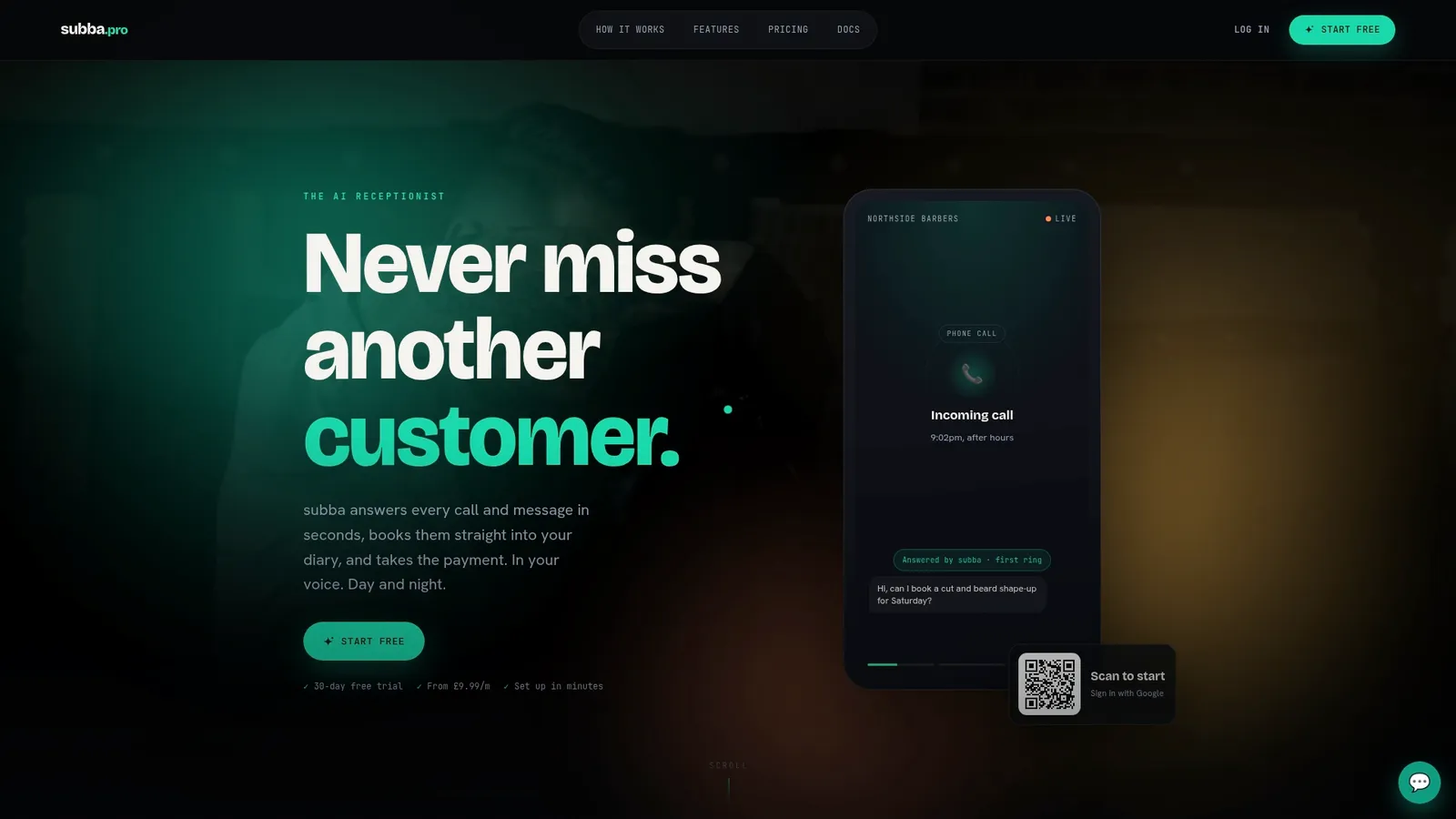
Our Starter plan starts at £9.99 a month, with Pro at £49.99 and Studio at £99.99, and SMS reminder add-ons from £9.99 a month for 250 texts if you want the sending automated too. There's no commission on bookings and no marketplace fees, just one monthly price covering the lot. Have a look at our pricing page to see which plan fits your booking volume.