How missed call text back actually works
A missed call text back system watches your business line and fires an automatic SMS the moment a call goes unanswered. You choose the trigger: instantly after the ring ends, after a short delay to allow for voicemail, or only for calls that genuinely go unanswered rather than ones you decline on purpose.
Once triggered, the system can do several things at once:
- Send an automatic SMS acknowledging the missed call and inviting a reply.
- Offer a voicemail prompt alongside the text for callers who prefer to leave details.
- Include a callback or booking link so the caller can act without waiting for you.
- Log the interaction in your CRM so nothing falls through the cracks.
Most setups run through your existing business number, a virtual number, or a SIM-based line, with SMS sent either from your own credits or a provider add-on. The mechanics are simple. The value comes from doing it every time, without exception.
Why speed matters more than most owners realise
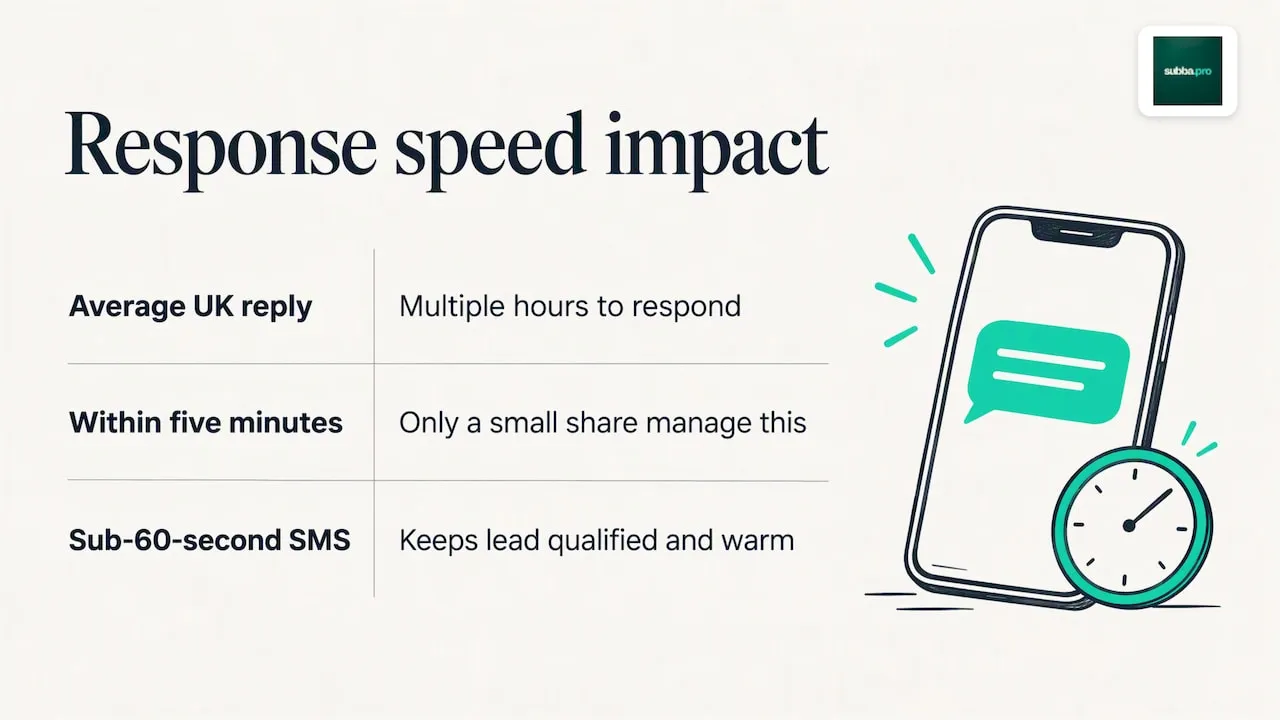
Around 78% of customers buy from whichever business responds first, according to a lead-response white paper, and that advantage erodes fast as minutes pass. The same white paper found that UK businesses take 47 hours on average to respond to a lead, while only 7% manage a reply within five minutes.
That gap carries a price tag: the same white paper puts the average cost of acquiring a lead at £198, and says 73% of leads are lost to slow responses. A caller who hears nothing back assumes you are busy, uninterested, or already booked out, and moves to the next name on their list.
A sub-60-second SMS acknowledgement changes that calculation. It does not need to answer every question. It needs to tell the caller that you have seen them, that you will follow up, and that booking or replying is one tap away. That single message is often enough to keep a lead qualified and warm until a human can take over.
When missed call text back helps, and when it does not
Automated texts suit high-volume, time-sensitive enquiries: bookings for salons and clinics, urgent trade call-outs, and takeaway or retail orders where a fast "we got your message" keeps the customer from calling the next business on the list.
They suit you less well in a few situations:
- Complex enquiries that need a real conversation, such as bespoke quotes or complaints.
- Calls from existing customers who expect a personal reply rather than a template.
- Businesses with very low call volume, where a human callback within minutes is just as fast.
Match the tool to your call pattern. High call volume and simple, repeatable requests favour automation. Low volume or sensitive conversations favour a prompt human response instead, and the two can run side by side.
Setting up missed call text back: checklist and templates
Before switching anything on, confirm the basics. Check that your sender number or CLI displays correctly, that your line supports SMS, that you have a lawful basis to message callers, and that your CRM is ready to receive logged interactions.
- Confirm your caller ID presents clearly and is not withheld or flagged, since poor CLI presentation can reduce answer rates.
- Enable the missed call text back feature on your phone system or provider dashboard.
- Choose your trigger timing: instant, after a short delay, or only on genuinely unanswered calls.
- Customise your message so it sounds like you, not a generic script.
- Add an opt-out line to any message that could be read as marketing.
- Set an escalation rule so unresolved threads land with a real person within a set time.
A few templates to adapt:
- "Sorry we missed your call! Reply here or book a slot: [link]. Reply STOP to opt out."
- "Thanks for calling [business name]. We're with a customer right now, text us what you need and we'll reply shortly."
- "Want to book an appointment? Tap here to see live availability: [link]. Reply STOP to opt out."
Once live, test the whole flow before you trust it with real customers. Call your own number from a mobile that has never texted it, confirm the SMS arrives within seconds, check the link works on both iPhone and Android, and verify that the interaction appears in your CRM.
Pro Tip: Run the test from a withheld or international number too, since roaming or spoofed-looking calls can behave differently and are worth catching before a customer does.
Staying compliant: PECR, GDPR and CLI risks
Under UK PECR rules, a transactional reply to a customer's own enquiry is usually fine without separate consent. Sending marketing follow-ups afterwards is a different matter and needs prior opt-in, or you risk enforcement action. Keep your first automated text strictly transactional: acknowledge the call, offer a next step, nothing more.
You are also handling personal data the moment you store a caller's number, so UK GDPR obligations around lawful basis, transparency and record-keeping apply alongside PECR. Separately, Ofcom guidance says networks should block calls that spoof UK numbers, so test your presentation number rather than assuming it works.
A short compliance checklist:
- Keep the first SMS transactional, not promotional.
- Include "Reply STOP to opt out" on anything that could read as marketing.
- Record consent and keep a suppression list in your CRM.
- Use a consistent, recognised sending number rather than a random long code.
How subba handles missed calls
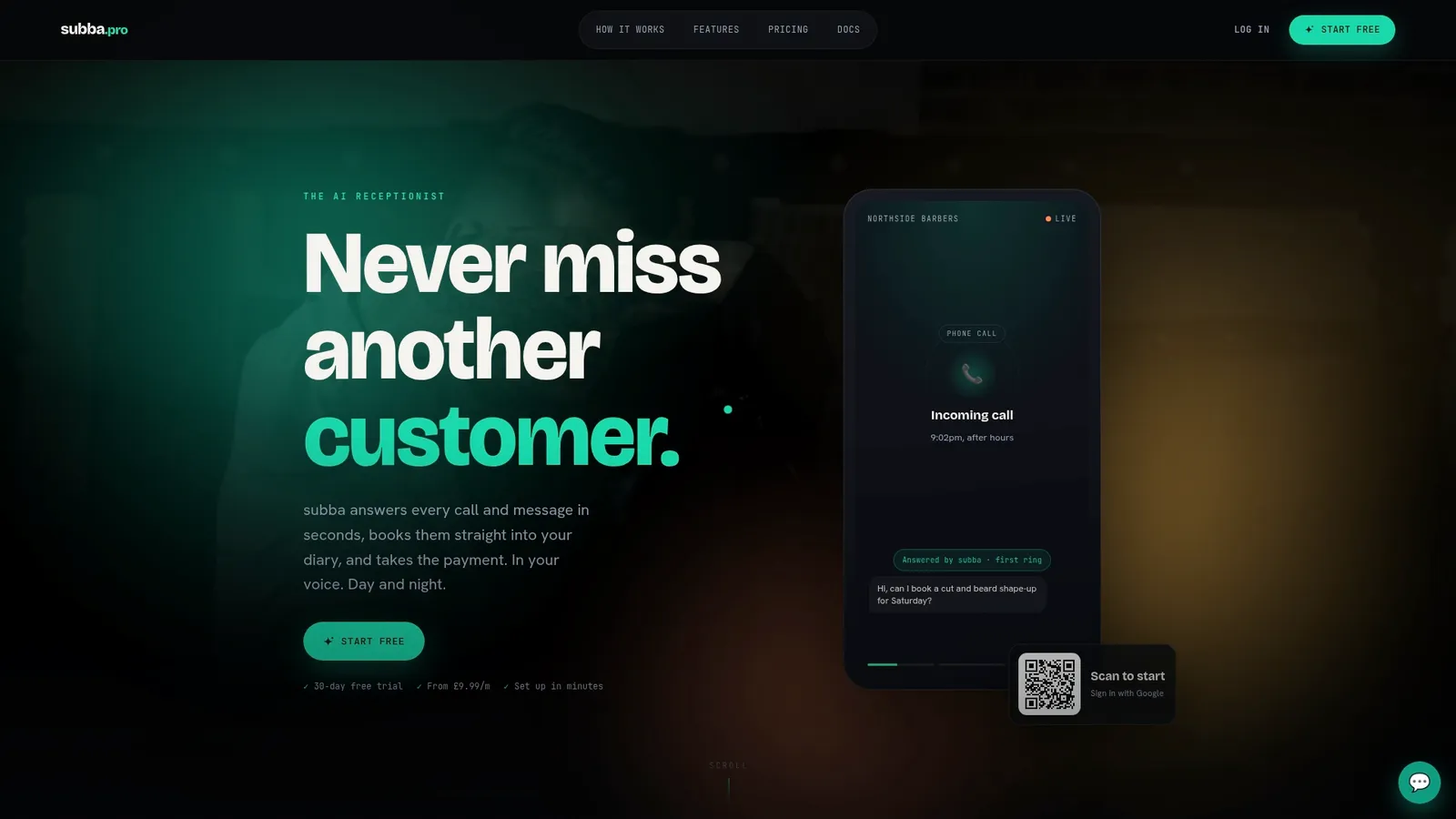
Rather than texting back after a missed call, subba's AI receptionist answers the call itself (an optional phone add-on), as well as web chat and booking requests, around the clock, replying in a tone drafted to match the business owner rather than a generic script. Enquiries can be answered instantly, with bookings confirmed and reminders sent automatically once the flow is set up. With the texts add-on, a caller who books over the phone gets their confirmation by text.
What makes the setup practical for a small team is the control it leaves in your hands:
- A draft-approval mode where replies to contact forms wait for your sign-off before anything goes fully automatic.
- Logging of every enquiry, call and booking in subba's built-in CRM.
- Add-ons are available for higher message volumes and phone minutes.
- Escalation paths so calls and chats that need a human reach one.
The aim is fewer missed bookings and fewer no-shows, with the owner's own voice still doing the talking.
A short checklist before you switch this on
Check your CLI displays correctly, turn on an immediate SMS trigger, and test it with your own staff pretending to be customers, all within the next 72 hours. Avoid sending marketing content without consent: it is the fastest way to turn a helpful text into a complaint. Watch one number first: replies that convert within an hour of the missed call.
Roland
Getting started with subba
If writing templates, checking CLI presentation and chasing consent records sounds like more admin than you have time for, an AI receptionist such as subba can answer the calls for you instead, in your own voice, logging every enquiry automatically and without commission on bookings.
A sensible next step:
- Check subba pricing, with plans from Starter at £9.99 a month; answering calls needs the phone add-on, from £29.99 a month.
- Browse features to see which channels and add-ons fit your call volume.
- Look at sector pages such as AI receptionist for beauty salons or AI receptionist for mobile mechanics for setups closer to your own business.